
Best App for EV Charging Stations in India (2026): Tested & Ranked by Real Drivers

Why Your Charging App Choice Actually Matters
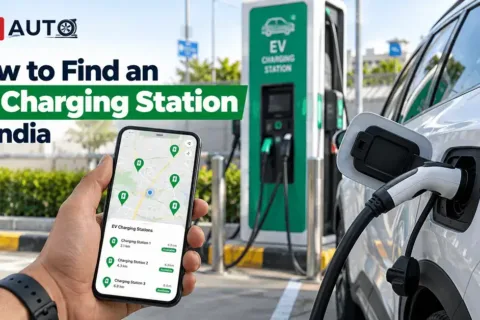
Imagine driving on a hot afternoon with your family and reaching a charging station only to find that the charger is occupied or not working. The right app for EV charging stations can help you check nearby locations, connector types, prices and availability where supported. The Ministry of Heavy Industries reported 29,151 public EV charging stations installed across India in a February 2026 update. However, the number of stations does not tell you whether a particular charger is working or compatible with your vehicle when you arrive.
For everyday driving, a convenient nearby charger may be enough. For highway trips, route planning, reliable station information and backup options become more important. Before choosing an app, check the coverage around your home, workplace and regular travel routes. Using a second charging app can also help you find alternatives when your preferred network is busy or unavailable. Before choosing an app, check which public charging stations are available near your home and along your regular routes. Our guide to finding EV charging stations near you explains what to check before driving to a charging point.
What Is an EV Charging App?
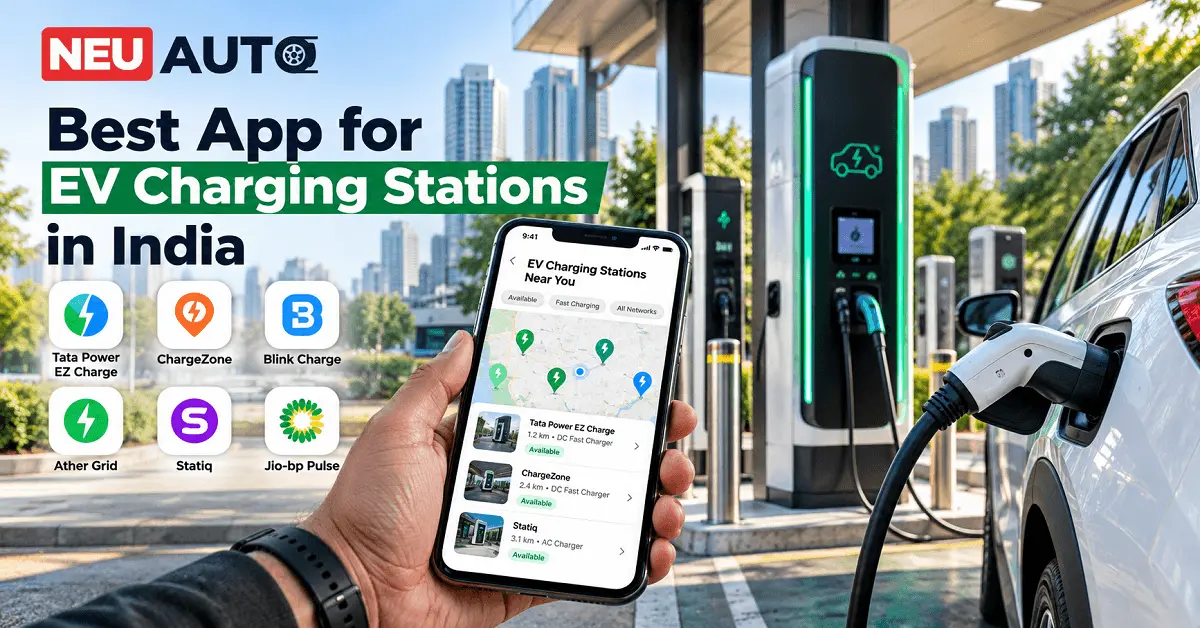
An EV charging app helps you locate and use compatible public charging stations for your electric car, scooter or other supported vehicle. Depending on the network, it may show nearby chargers, connector types, charging speeds, availability and prices. Some apps also support digital payments, reservations, charging-session history and route planning. For example, Tata Power EZ Charge provides charger discovery, trip planning and session information. The Statiq app offers charger discovery, route planning and payment features. The exact functions available depend on the network, station and app version.
Most charging apps can be downloaded without an upfront purchase, but charging itself is generally paid. Prices, subscriptions, parking charges and booking fees may vary. Before relying on an app, confirm that the station supports your vehicle and that the listed charger is accessible to the public.
Best Charging Apps for Electric Cars in India
The best app for EV charging stations depends on your location, vehicle, travel habits and preferred charging network. The five apps below offer different features for discovering chargers, planning trips, making payments and managing charging sessions.
This guide compares features published by the app providers, official websites and app listings. It is not a hands-on test of every station, and the apps are not presented as an independently measured ranking. Network coverage and performance can vary by location, so check the options available on your regular routes.
1. Statiq
Best for: Drivers looking for charger discovery and route planning.
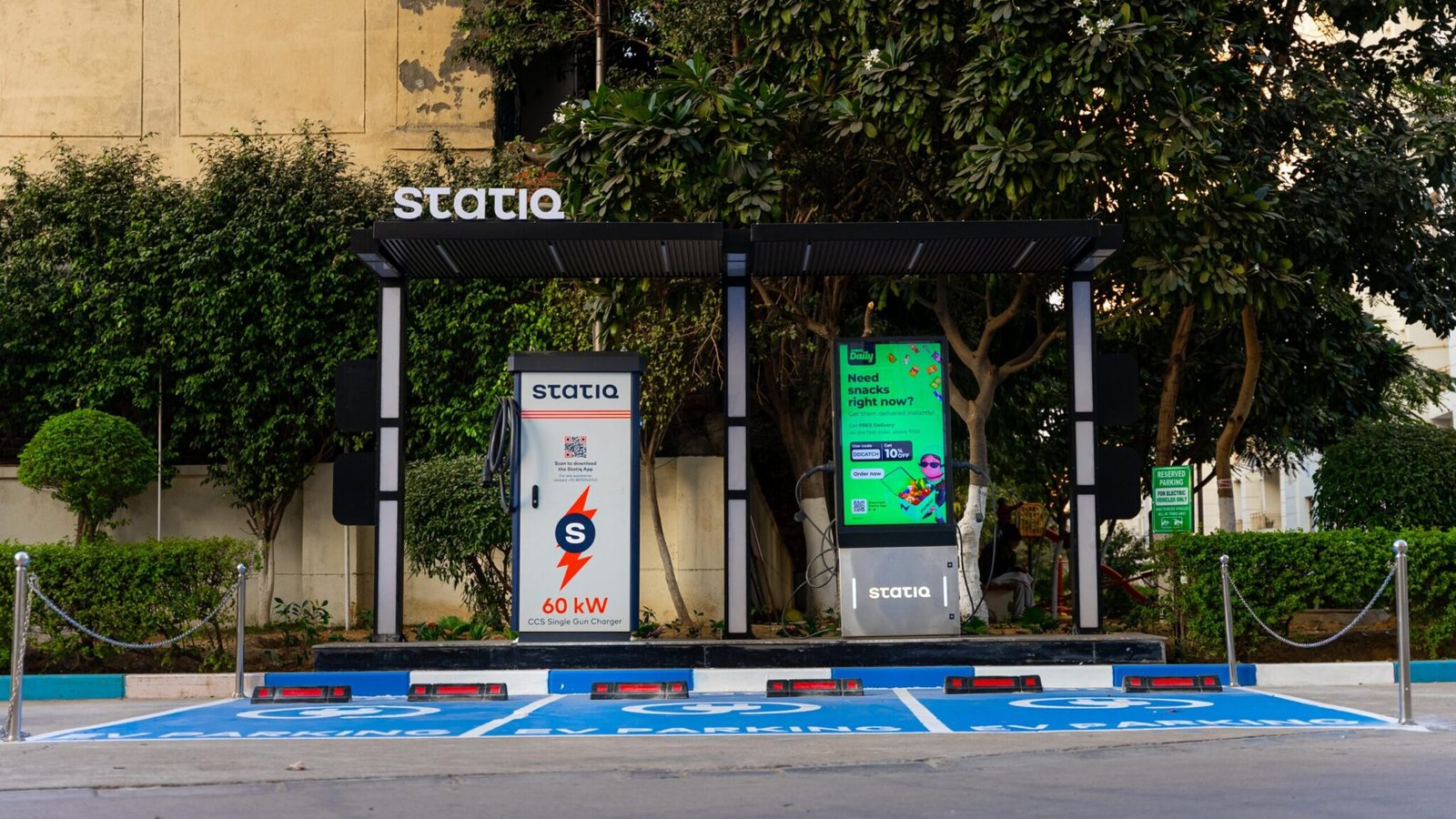
Statiq is worth considering if you want to locate charging stations and plan journeys using a dedicated EV charging app. Its official website reports more than 10,000 installed chargers across over 1,014 cities. These are company-reported network figures, not a guarantee that every charger is public, available or suitable for every car. The app supports charger discovery, navigation, payments and route planning. Statiq also promotes real-time availability information and customer support. These features can help you plan charging stops before leaving home, particularly when travelling between cities.
Pros
- Charger discovery and route-planning tools.
- Payment features and station information.
- Broad reported network coverage across Indian cities.
Cons
- A listed charger may still be occupied or temporarily unavailable.
- Coverage and connector compatibility vary by location.
Best suited to: EV owners who want a dedicated app for everyday charging and planned road trips.
Official source: Statiq EV Charging App.
2. Tata Power EZ Charge
Best for: Drivers whose routes include Tata Power charging stations.
Tata Power EZ Charge helps drivers locate compatible charging points, check available station information, manage charging sessions and plan trips. The app listing also describes features such as favourite chargers, Auto Charge and trip planning. Availability depends on the station and supported vehicle.
Tata Power also offers an EZ Charge RFID card for compatible charging points. The card can let users start supported charging sessions without opening the app, which may be helpful when mobile connectivity is poor. Before choosing this app, check how many compatible Tata Power stations are available near your home and along your usual routes. A useful app is one that works with your vehicle and the places you actually travel, not simply one with a long feature list.
Pros
- Trip-planning and favourite-station features.
- Supported booking and Auto Charge functions.
- RFID card option at compatible chargers.
Cons
- Features differ by station and vehicle compatibility.
- A single network may not cover every route you use.
Best suited to: Drivers who regularly use Tata Power’s charging network.
Official sources: Tata Power EZ Charge features and EZ Charge RFID card.
3. Bolt.Earth
Best for: Exploring a broad network of EV charging points.
Bolt.Earth is an option for drivers who want to discover charging facilities across different locations in India. Its official website reports more than 100,000 chargers deployed across over 2,200 cities, with support for two-, three- and four-wheeler EVs. These figures are reported by the company and include a range of vehicle categories. They should not be interpreted as 100,000 public fast chargers for electric cars. Check the individual station’s access rules, connector type and charging power before travelling.
The app promotes charger discovery, booking, navigation and digital payments. It may be useful when you want to explore options beyond a single traditional charging network. However, verify that a listed point is accessible to your vehicle and offers the charging speed you need.
Pros
- Broad reported network reach.
- Support for different types of EVs.
- Charger discovery, booking and payment tools.
Cons
- Not every deployed charger is suitable for a passenger car.
- Availability and charging speeds vary by station.
Best suited to: Drivers who want to explore charging options across different networks and locations.
Official source: Bolt.Earth charging app.
4. Jio-bp Pulse
Best for: Drivers seeking fast charging and subscription options.
Jio-bp Pulse helps users discover nearby charging stations, check supported availability information, start charging sessions and pay through the app. Its charging locations include selected destinations such as fuel stations and other commercial sites. The operator also offers subscription options for eligible users. At the time of research, Jio-bp’s official page listed the All India Pulse Lite plan at ₹20.75 per kWh and the Pulse Max plan at ₹20.25 per kWh. Advertised rates, energy allowances, validity periods and other terms may change, so check the current offer before subscribing.
A subscription may be worthwhile if you regularly use the network and can use the included charging allowance before it expires. If you charge only occasionally or use different providers, calculate the total cost before paying for a plan. If you’re comparing home charging with public charging, estimate your broader running expenses using Neu Auto’s EV cost calculator. Use realistic electricity rates and your expected monthly distance for a more useful estimate.
Pros
- Charging-location discovery and digital payments.
- Focus on fast-charging options.
- Subscription and loyalty features.
Cons
- A subscription may not save money for infrequent users.
- Prices, allowances, and payment conditions require checking.
Best suited to: Frequent drivers who can regularly use Jio-bp Pulse stations and benefit from its current plans.
Official source: Jio-bp Pulse EV charging.
5. ChargeZone
Best for: Drivers who prefer planned charging stops and session tracking.
ChargeZone provides an app for locating charging stations, checking available status information, booking sessions where supported and managing payments. Its app listing also describes favourite locations, charging notifications, filters, and charging history with energy and cost details.
These features can help when you want to plan a stop rather than search for a charger after your battery is already low. Session history can also help you track charging expenses over time.
Before making a reservation, confirm that the station supports your vehicle and check the booking terms. Find out whether the reservation carries a fee, how long the slot is held and what happens if you arrive late. The quality of the experience still depends on the particular charging location.
Pros
- Station discovery and availability information.
- Reservations at supported locations.
- Charging history and payment features.
Cons
- Reservations and live status vary by location.
- Network coverage may be limited on some routes.
Best suited to: Drivers who prefer organised charging stops and want to review previous sessions.
Official source: ChargeZone app listing.
EV Charging Apps Compared
Use this table to compare the main strengths of each app. The comparison is based on advertised features, not independent testing of charger reliability.
| App | Main strength | Useful features | Best suited to |
|---|---|---|---|
| Statiq | Charger discovery and route planning | Station information, navigation and payments | Daily driving and road trips |
| Tata Power EZ Charge | Tata Power network access | Trip planning, Auto Charge and RFID option | Drivers near Tata Power chargers |
| Bolt.Earth | Broad reported network | Discovery, booking and payments | Exploring charging options |
| Jio-bp Pulse | Fast charging and subscriptions | Station discovery, payments and plans | Frequent network users |
| ChargeZone | Planned charging stops | Reservations and session history | Drivers who prefer booking ahead |
Which app should you try first? Start with the app that shows compatible chargers near your home, workplace and regular routes. Install one or two alternatives for backup. No single app should be assumed to include every public charger in India or show perfectly up-to-date status at every location.
Features of a Good EV Charging App
A useful EV charging app should help you decide where to charge, whether you can use the charger, and how much a session may cost. Look for the following features when comparing apps.
- Availability information: Check whether the app reports a charger as available, occupied, or out of service.
- Connector compatibility: Match the connector and charging standard with your vehicle.
- Charging speed: Check the charger’s power rating in kW and your vehicle’s maximum supported charging rate.
- Clear pricing: Review energy rates, session fees, parking charges, and subscription terms.
- Navigation and route planning: Find suitable charging stops along your journey, not just near your current location.
- Payment options: Check whether the provider accepts UPI, cards, wallets, RFID, or other supported methods.
- Customer support: Look for clear instructions for failed sessions, payment problems, and station faults.
A simple way to assess an app is to search for a charger near your home and another along a route you regularly travel. Review the connector, price, access rules, and current station information. If the results are relevant to your vehicle and routine, the app may be worth keeping.
How to Choose the Right EV Charging App
Start with your vehicle and driving habits rather than choosing an app because it advertises the largest network. If you mainly commute within one city, convenient chargers near your home, workplace and regular destinations may be enough. For highway trips, prioritise route planning, compatible fast chargers, backup options and access to customer support. Compare connector type and charging power against your vehicle’s specifications. A nearby charger is not automatically compatible, and a high-power charger cannot make a vehicle charge faster than its own limits allow.
Consider the total charging cost, including subscription fees and any extra charges. A discounted plan may be useful for frequent charging on one network but offer little value if you use it only occasionally. Finally, read recent app reviews and look for repeated complaints about payment failures, inaccurate availability, or sessions that do not start. Individual reviews are not proof of a network-wide problem, but recurring reports can help you decide what to check before relying on a station.
Charging prices can vary by provider and location. Use our EV charging cost per kilometre guide to understand how electricity tariffs and vehicle efficiency affect your running costs.
Practical Tips for Finding EV Chargers
How can you reduce the chance of arriving at an occupied or faulty charger? Use these steps before and during your journey.
- Search before departure. Check the station’s latest status information, connector type, charging power, and access hours.
- Keep a backup option. Find another compatible charging point near your destination or farther along your route.
- Check the full price. Review the displayed rate and any booking, parking or session charges.
- Save useful locations. Add chargers near home, work and regular travel stops to your favourites.
- Carry a cable when required. Some AC charging points require you to bring a compatible cable. Check the station details in advance.
- Keep your phone ready. Make sure you have enough battery to access the app, contact support, or navigate to an alternative charger.
Do not plan a long trip around a single charging point. Even if an app shows a charger as available, someone else may begin charging before you arrive. Keep enough battery reserve to reach another compatible station, particularly when travelling on unfamiliar roads. Before a long journey, estimate how much electricity you may need and how much it could cost. Use the EV trip cost calculator to plan an energy budget based on your distance, vehicle efficiency and electricity rate.
How We Compared These EV Charging Apps
This guide compares the features and information published by Statiq, Tata Power, Bolt.Earth, Jio-bp Pulse and ChargeZone. We considered station discovery, route planning, charging availability information, connector compatibility, payment options, reservations, and charging-cost features.
Network sizes and subscription prices are attributed to the operators that publish them. They are not presented as independently audited figures. We have not independently tested every app or charging station, so this comparison should be treated as a research-based guide rather than a hands-on performance ranking.
Before selecting an app, verify the current features, local network coverage, and pricing in the official app or on the operator’s website. Coverage and capabilities can change with app updates and new charging installations.
Final Thoughts
The best app for EV charging stations in India is the one that works for your vehicle and your regular routes. Statiq is worth considering for charger discovery and route planning. Tata Power EZ Charge is useful if its network fits your travel needs, Bolt.Earth offers broad reported deployment, Jio-bp Pulse may suit frequent users of its charging network, and ChargeZone provides booking and session-tracking options.
Before relying on one app, compare nearby stations, compatible connectors, current pricing, and available backup points. Keep a second app installed if you travel between cities or use different charging networks. The goal is not to choose the app with the biggest advertised network; it is to find a compatible, accessible charger when you need one.
Frequently Asked Questions
Which is the best EV charger app?
There is no single best app for every EV owner in India. Statiq, Tata Power EZ Charge, Bolt.Earth, Jio-bp Pulse, and ChargeZone offer different combinations of charger discovery, route planning, payments, and session management. Start with the apps that cover your regular routes, then compare connector compatibility, station status, and current pricing.
What is the best free app for EV charging?
Several EV charging apps, including Statiq, Tata Power EZ Charge, Bolt.Earth, Jio-bp Pulse, and ChargeZone, can be downloaded without an upfront app purchase, subject to the relevant app-store terms. However, free to download does not mean free charging. You may still pay for electricity, charging services, parking, or subscriptions. Check current prices before starting a session.
Is there an app that shows all EV charging stations?
Do not assume that one app shows every public charging station in India with complete and current information. Some apps focus on a particular operator, while others include multiple charging locations or different vehicle categories. Use more than one suitable source when planning a long journey, and verify connector compatibility, public access, and current station information before travelling.
What is the best way to find EV charging stations?
Use a charging-network app or station locator to search for nearby locations. Filter by connector type and charging speed, then review the station’s current status, price, and access rules. For highway journeys, identify charging stops before departure and keep a backup station available in case your preferred charger is occupied or unavailable.
What is the cheapest EV charging app?
There is no universally cheapest app because charging costs depend on location, provider, charger speed, tariff, and subscription terms. Jio-bp Pulse, for example, advertises subscription plans with different per-kWh rates and allowances. Compare the total cost for your expected usage, including any subscription fee or expiry conditions, before choosing a plan.
Is EVgo or ChargePoint better?
EVgo and ChargePoint are more relevant to drivers using charging networks in the United States than to most EV owners in India. The better option in the US depends on station coverage, connector compatibility, price, and your regular routes. For driving in India, compare locally available networks such as Statiq, Tata Power EZ Charge, and ChargeZone instead.
How can I avoid unexpected EV charging fees?
Check the current tariff in the charging app before starting your session. Review the per-kWh price, any parking or idle fees, booking charges, subscription terms, and rules for ending a session. If a charge is unclear, contact the station operator or app support before charging. Prices and fee policies may vary between locations on the same network.
Can I charge my EV without an app?
Yes, at some charging locations. Depending on the operator, stations may accept RFID cards, contactless payments or other approved payment methods. Tata Power’s EZ Charge RFID card, for example, can start and pay for supported charging sessions without opening the app. Payment methods and access requirements vary, so check the station instructions before arriving.

Rate This Article
5 ★ 2 ratings
Thanks for rating!
All Car Brands
View all brands →















More Updates

Handpicked Accessories for Every Journey
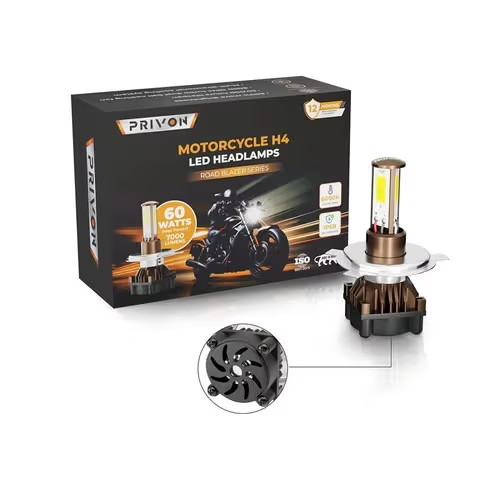
PRIVON 60W H4 LED Headlight for Bike – 7000L, 6000K White LED Light for Night Ride
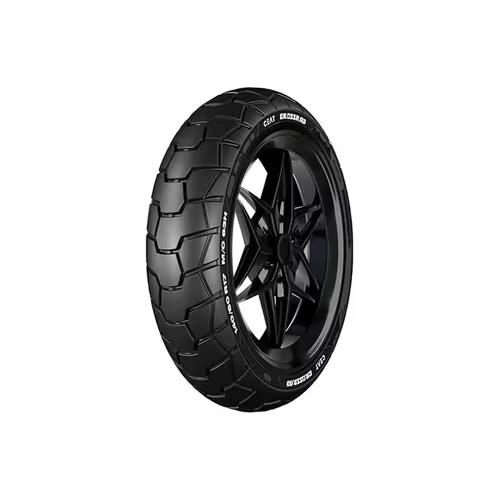
Ceat Zoom Rad 140/60 R17 63P Tubeless Bike Tyre

ShineXPro Helmet Cleaner & Microfiber Cloth – Anti Bacterial Foaming Helmet Cleaning Spray

Universal Front Fender Mudguard Extender Extension Fits for Motorcycle

Boldfit Full Face Helmet Mask for Bikers in Riding UV Protected

Neodrift JungleMax Bike Cover for Harley-Davidson X440
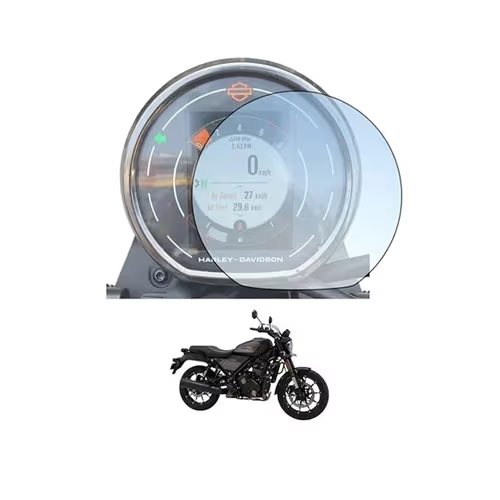
Wisely Pack 2 Screen Guard for Harley Davidson X440T Bike – Instrument Cluster Accessories
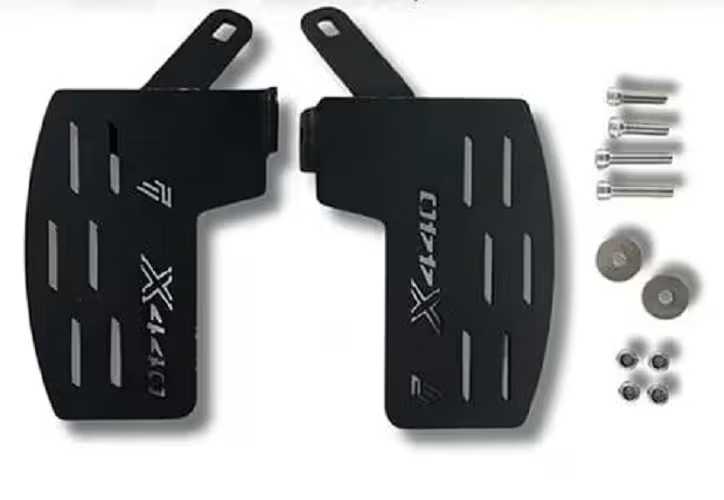
PHANTOM Premium Adjustable Footrest for Harley – Motorcycle Accessory for Touring & City Riding
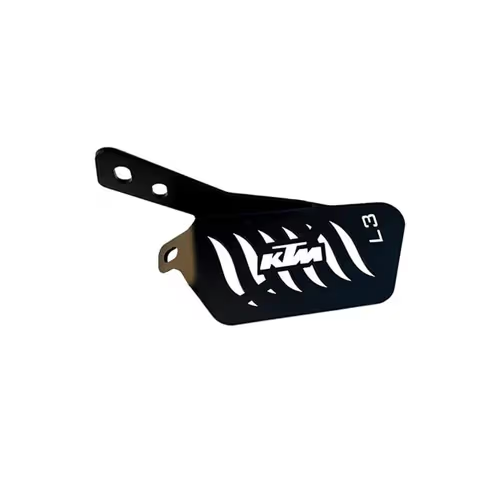
L3 MODZ Ladies Foot Rest for KTM Duke (BS6 Gen2) Models
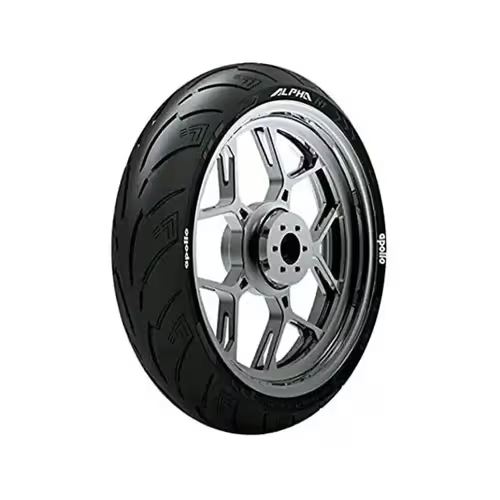
Apollo Alpha S1 130/70 R17 62H Radial Tubeless Bike Tyre
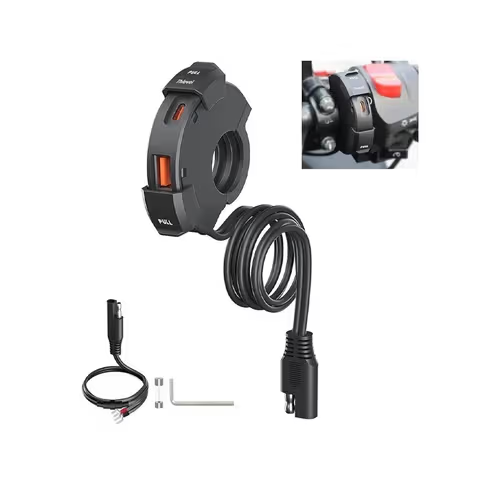
30W Motorcycle Type-C USB Phone Charger with PD & Quick Charge
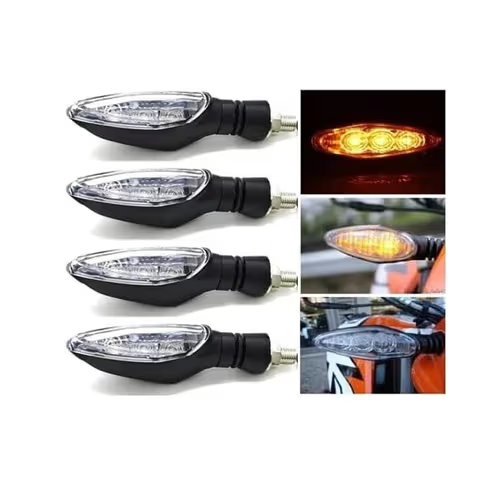
ELTRON TURBO Turn Signal Indicator Lights Compatible for KTM

Steelbird SBA 7 7Wings Flip-Up Helmet for Men with Skull Cap

Vega Atom Open Face Helmet with Clear Visor, Black
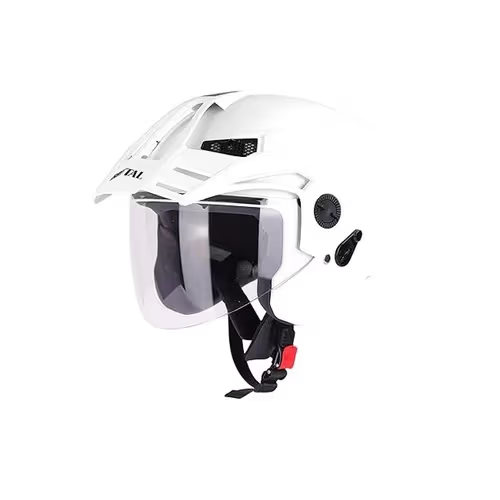
Steelbird SBH-23 Brutal Open Face Helmet with Skull Cap
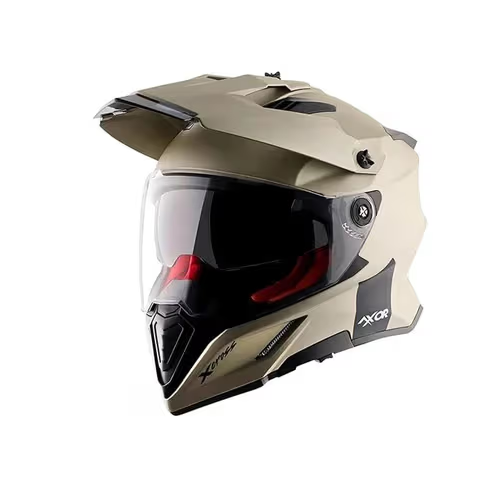
Axor X Cross Dual Visor Full Face Off-Road Helmet – Dull Black Orange

Probiker Protective Full Finger Bike Riding Gloves – Motorcycle, Cycling, and Hiking

XTRIM Protekt Universal Bike Riding Gloves for Men – Black, Red

Rynox Air GT Leather Motorcycle Riding Gloves – Cuff Length | Grey Red

BADOWL RYDON Knuckle Protection Riding Gloves – Touchscreen Sports Gloves

Microfiber Car Duster with Long Handle Cleaning Brush

Robustt Car Interior Cleaning Brush Combo – Scratch Free Car Duster

ORJILO 5-Piece Microfiber Car Duster Kit – Extendable Long Handle Duster for Car

ShineXPro Microfiber Car Cleaning Cloth (500 GSM, Extra Large (35×75 CM))
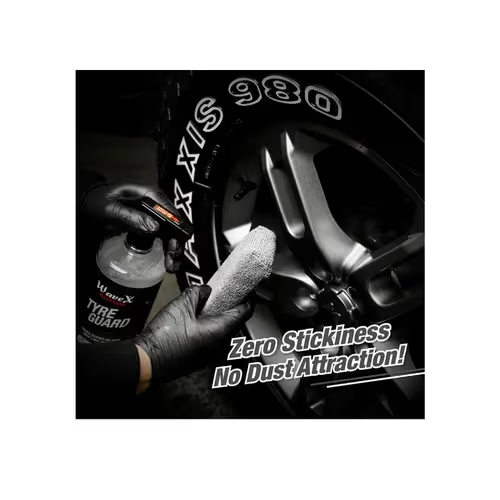
Wavex Tyre Polish for Car & Bike (1L) – With Applicator and Microfiber Cloth

ShineXPro Glass Cleaner Spray (300 ml) – Streak Free Car Glass Cleaner Liquid

SOFTSPUN Microfiber Chenille Wash Mitt (1700 GSM)

Tusa V1 Cordless Vacuum Cleaner for Car – High Power Portable Lightweight Wireless Vacuum

SOFTSPUN Microfiber Cloth (40×40 cm, 340 GSM) – Automotive Microfibre Towels for Car
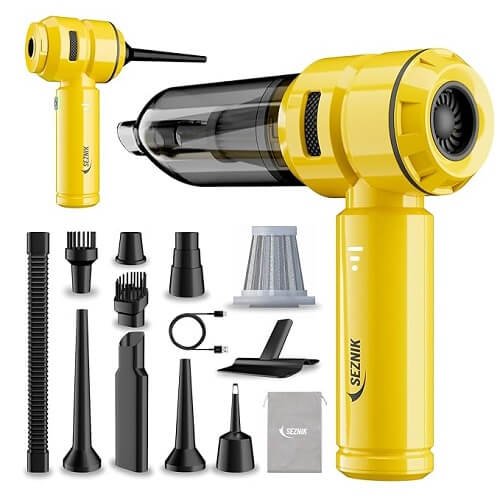
SEZNIK 4-in-1 Cordless Vacuum Cleaner & Blower

GOODAIR Royal Premium Non-Electric Car Air Purifier
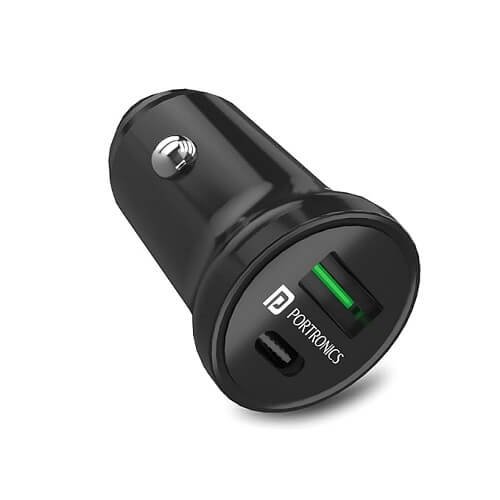
Portronics 38W Dual Output Fast Car Charger with 20W Type-C PD & 18W USB with Cars for iPhone

AutoBizarre High Gloss Carbon Fibre Paint Protection For Car

APPUCOCO Mini Car Trash Bin – Black
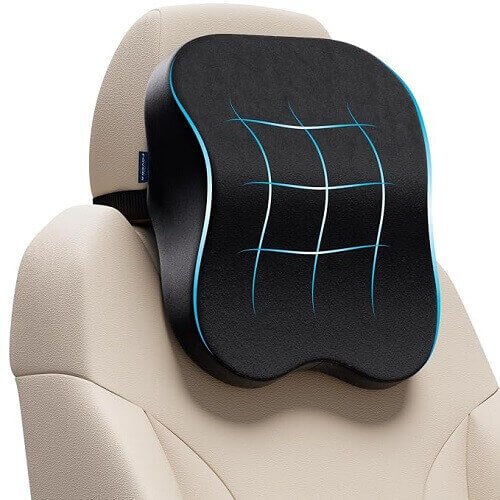
FOVERA Memory Foam Car Neck Rest Pillow – Medium, Black
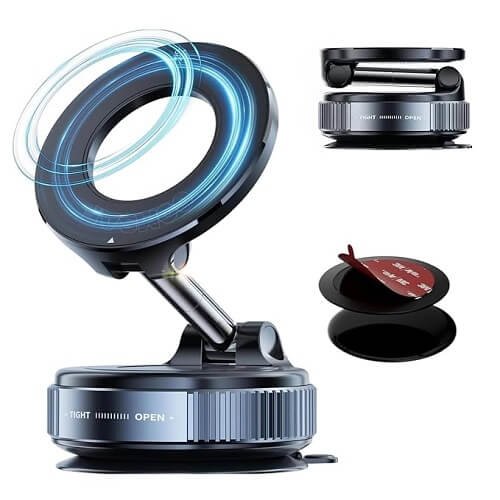
360° Vacuum Magnetic Car Phone Mount – Strong Suction Cup Phone Holder for Car
Amazon Basics 5D Custom Fit Car Floor Mats for Swift Facelift
TUSA Drive X 12V DC Portable Tyre Inflator – 150 PSI, Air Compressor
![Qubo Dashcam Pro 4K [2026 Edition] – Dual Channel | ADAS | Ultra-Wide 8MP UHD+ Front, 2MP FHD Rear](https://neudeals.co/wp-content/uploads/2026/09/Qubo-Dashcam-Pro-4K-Sensor.jpg)
Qubo Dashcam Pro 4K [2026 Edition] – Dual Channel | ADAS | Ultra-Wide 8MP UHD+ Front, 2MP FHD Rear
Oowah EX Electric Scooter – Removable Lithium-ion Battery , Laguna Blue
BG C12i EX Gen 2 Electric Scooter – Removable 2.0 kWh LFP Battery, 60 km/h Top Speed
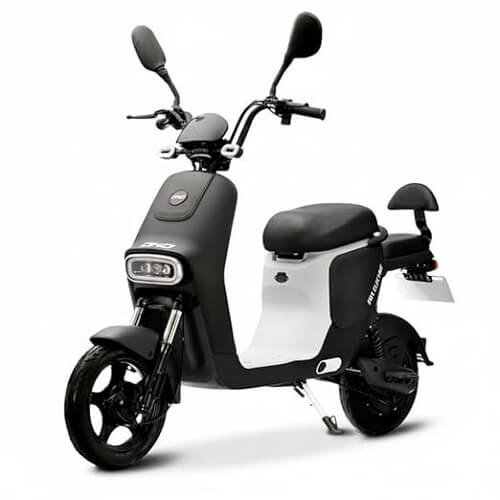
EOX OKO Electric Scooter – Removable Lithium Battery, 40-50 km Long-Range
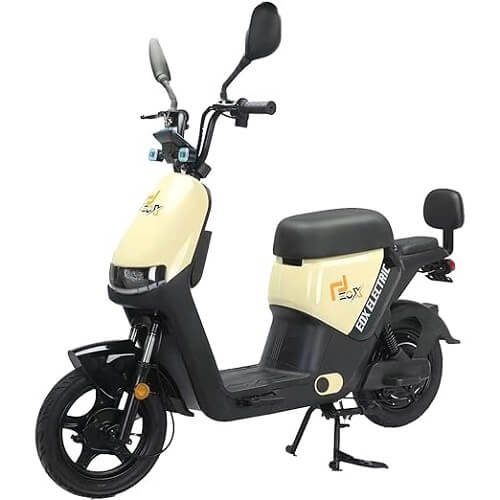
EOX OLO Low Speed Electric Scooter – 45Km Mileage, Pastel Yellow & Black
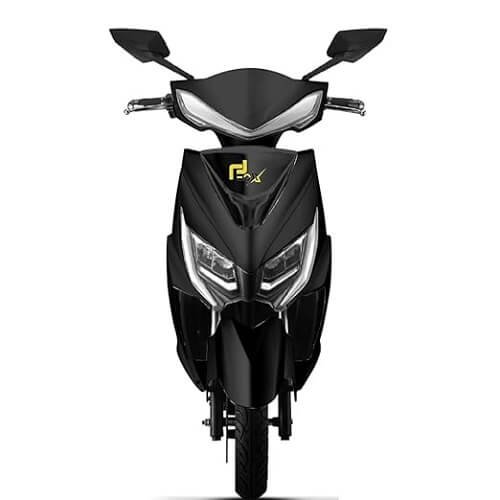
EOX E2 Low Speed Electric Scooter – 60-70Km Range, Portable Lithium Battery
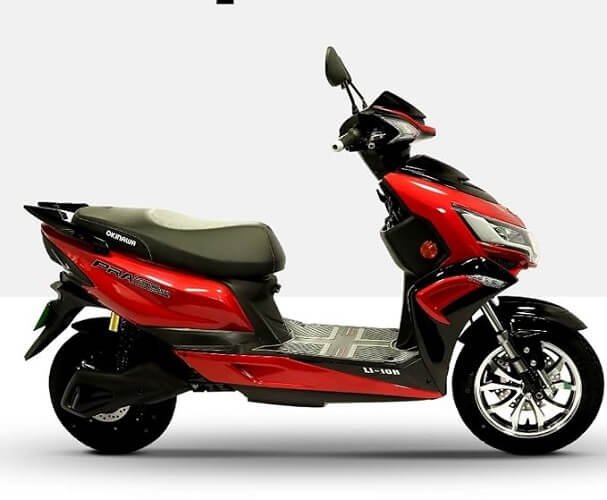
Okinawa Praise PRO Electric Scooter – Li-Ion Battery
EOX® ROX Electric Scooter – 48V Removable Lithium Battery, 50-60 km Long-Range
MIOOX Electric Scooter – 51.8V 28AH Range 55-65km Front Disc
AMO Low Speed Electric Scooter – 60-70 Km Range in Grey
AMO Jaunty 3W Low-Speed Electric Scooter – Blue and Black
Bajaj Chetak C2501 Electric Scooter – Glossy Active Black
Bajaj Chetak C3501 Electric Scooter – Brooklyn Black
Royal Enfield Classic 350 with Disc & Alloy Wheels Motorcycle – Stealth Black
Royal Enfield Bullet 350 Disc & Spoke Wheel Motorcycle – Battalion Black
Royal Enfield Hunter 350 with Disc & Alloy Wheels Motorcycle – Dapper Grey
Hero MotoCorp Passion+ i3S Drum – Black Heavy Grey
Hero MotoCorp XTREME 125R Bike(ABS) – Stallion Black
Hero MotoCorp HF Deluxe Drum – Black Grey
Hero MotoCorp XTREME 125R FI ABS SEAT DS (OBD2B) Motorcycles – Black
Bajaj Avenger 220 Cruise Motorcycle – Moon White
Bajaj Pulsar N 160 Ug Motorcycle – Brooklyn Black
Bajaj Platina 110 Es Drum Motorcycle – Black Red
Bajaj Pulsar N 250 Ug Motorcycle – Brooklyn Black

Harley Davidson X440 T 440cc Motorcycle – Pearl Blue
Harley Davidson X440 S 440cc Motorcycle – Matte Black
Harley Davidson X440 Vivid 440cc Motorcycle – Metallic Thick Red

Harley Davidson X440 T 440 CC Motorcycle – Pearl Red
KTM Duke 200 PRO Bike – Dark Galvano Black

KTM Duke 390 R Bike – Electronic Orange
KTM Adventure X 390 Bike – Orange
KTM Adventure 250 Bike – White
As an Amazon Associate, Neu Auto earns from qualifying purchases. When you purchase through one of the Amazon links above, Neu Auto may receive a commission at no additional cost to you.